Changing Your Password
If you know your current password, you can change it from Settings. If you’ve forgotten it, see Reset Password instead.
-
Click your name at the top of the sidebar, then choose Settings.
-
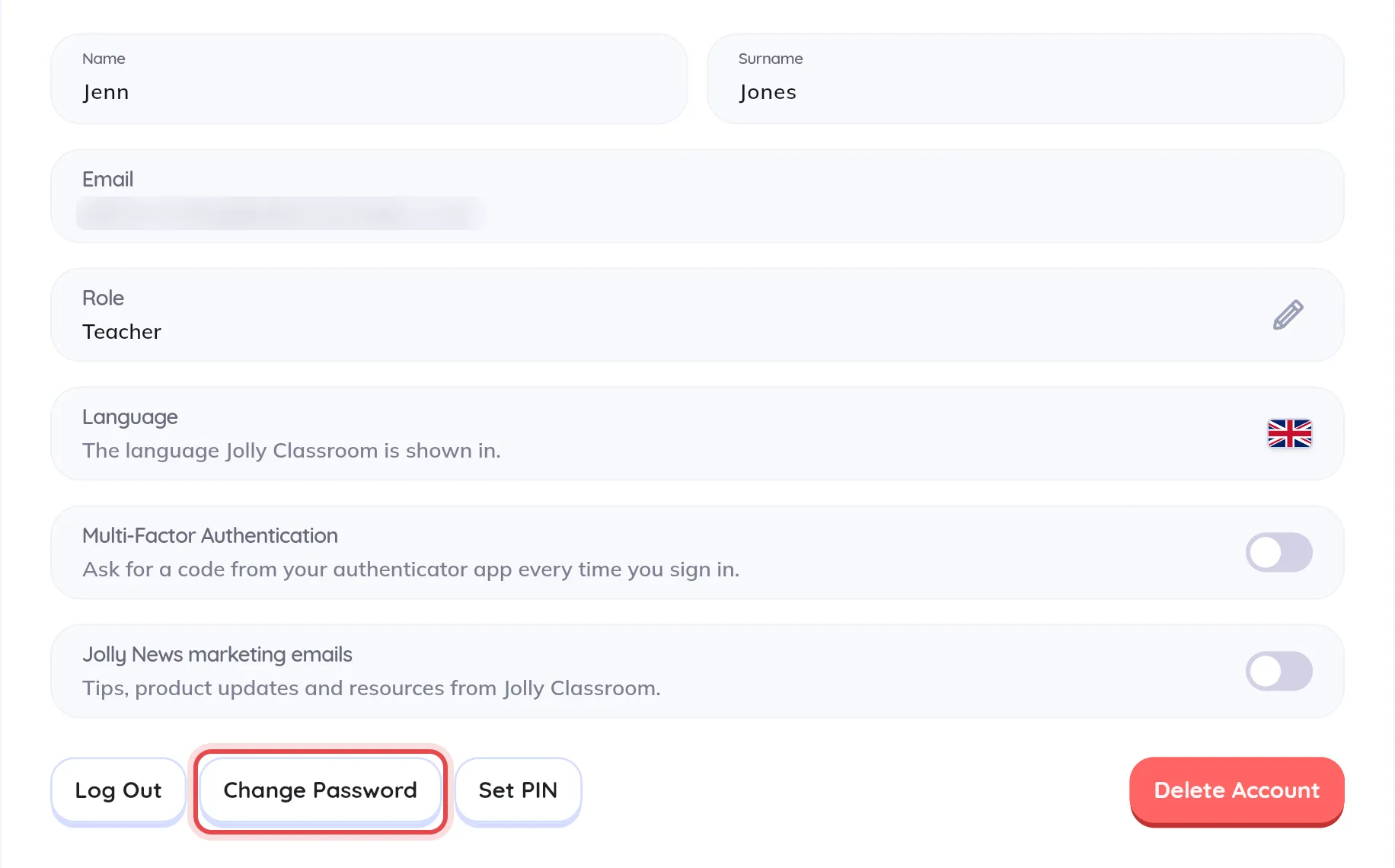
Under Account Settings, click Change Password.
-
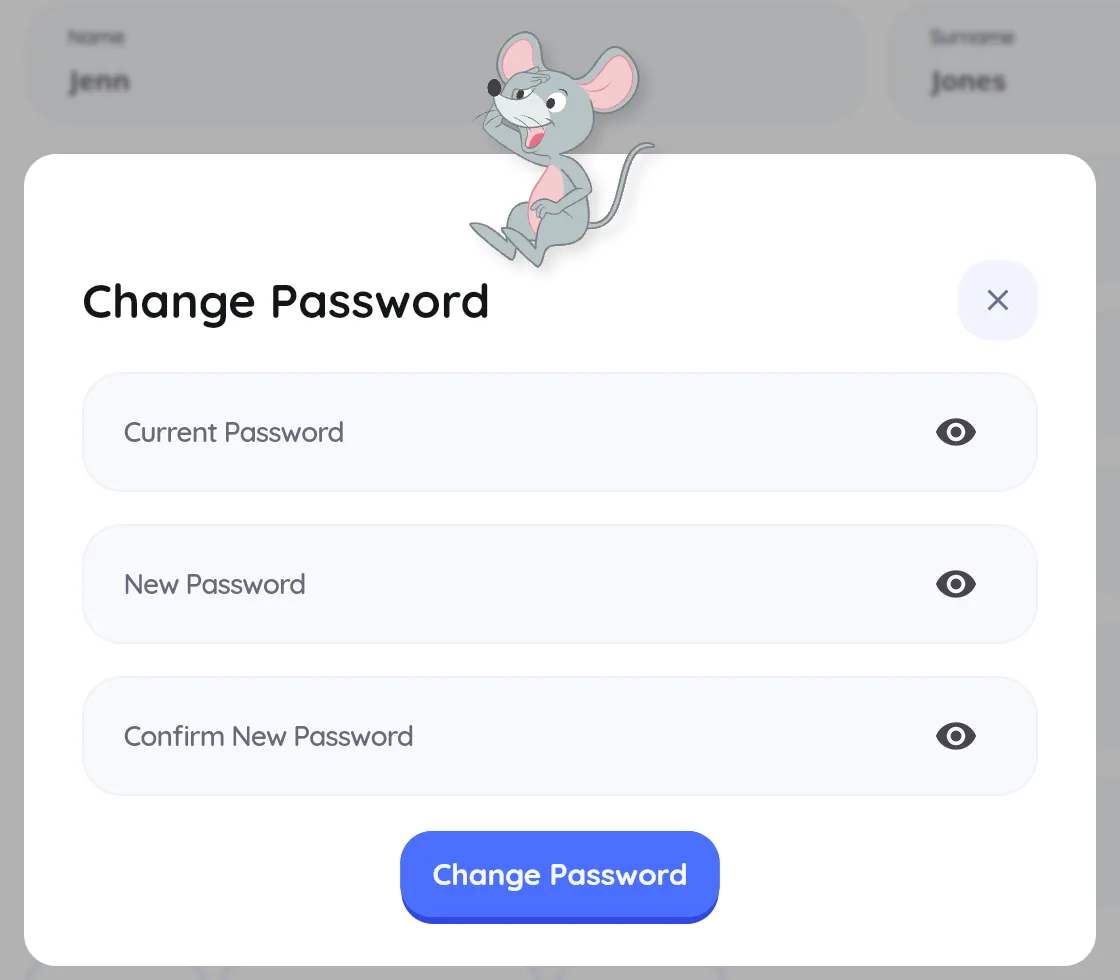
Enter your Current Password, then your New Password twice. Your new password must be at least 8 characters.
-
Click Change Password.