
Redeeming a Voucher
Vouchers activate Jolly Classroom on a trial or annual basis. They’re provided by our sales team and by local distributors. You can also use a serial number from the legacy whiteboard software in the same way.
When you ask about Getting a Trial or buy through a distributor, you’re emailed a code.
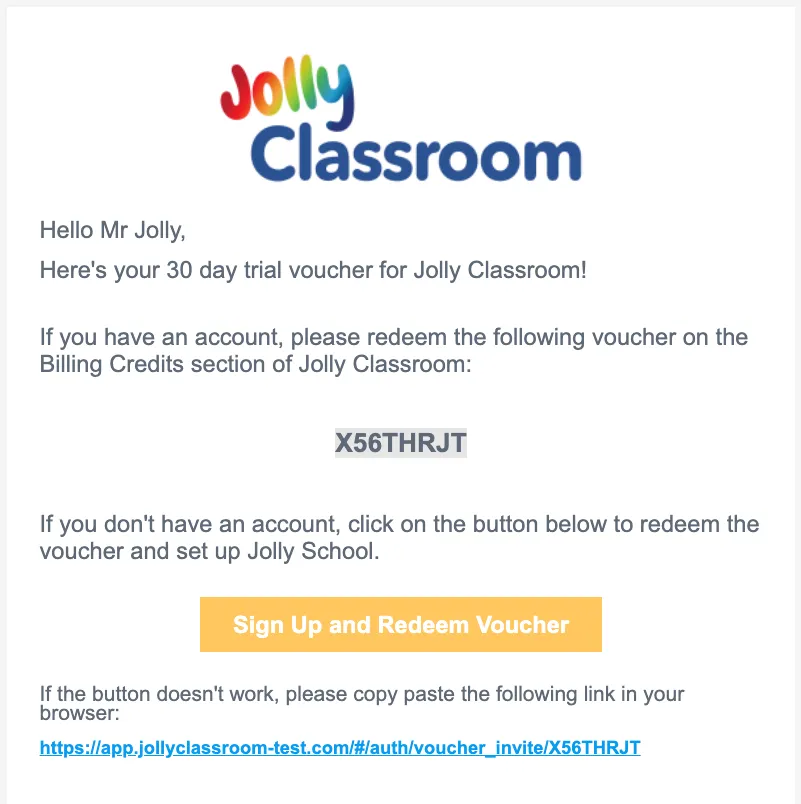
Copy the code, or click the link in the email. There are three ways to redeem it.
During signup
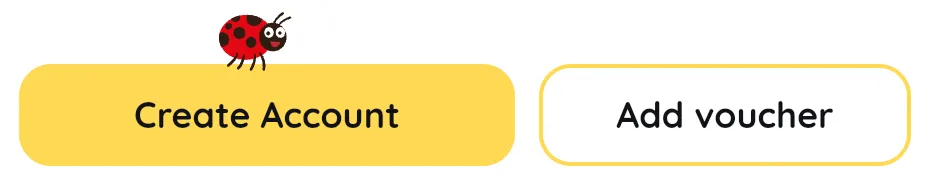
Section titled “During signup”On the register screen, click Add Voucher and enter your code. The voucher is stored and applied to your account as soon as you finish creating it.
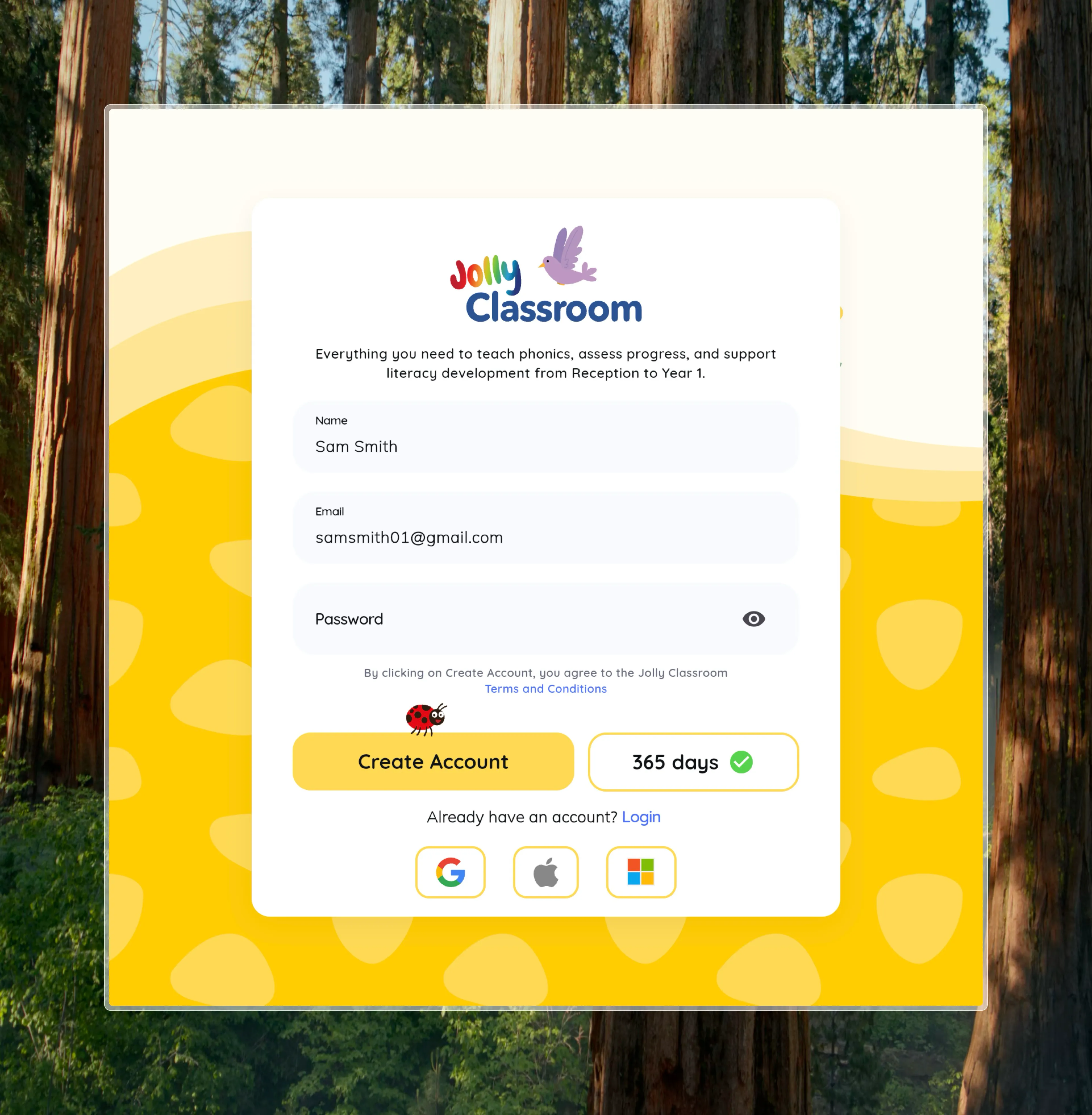
If you opened the link in your email before signing up, the code is filled in for you.
From the email link
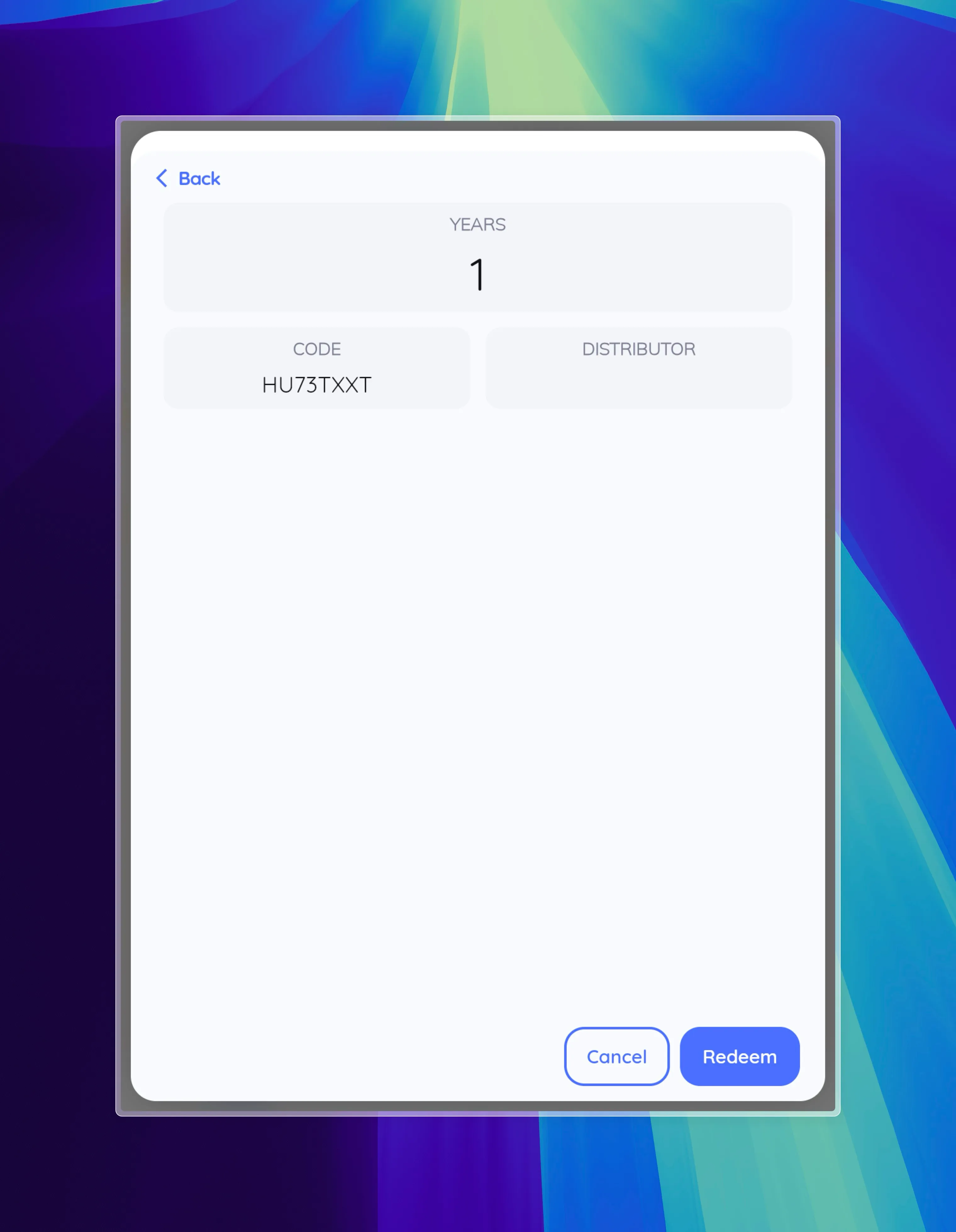
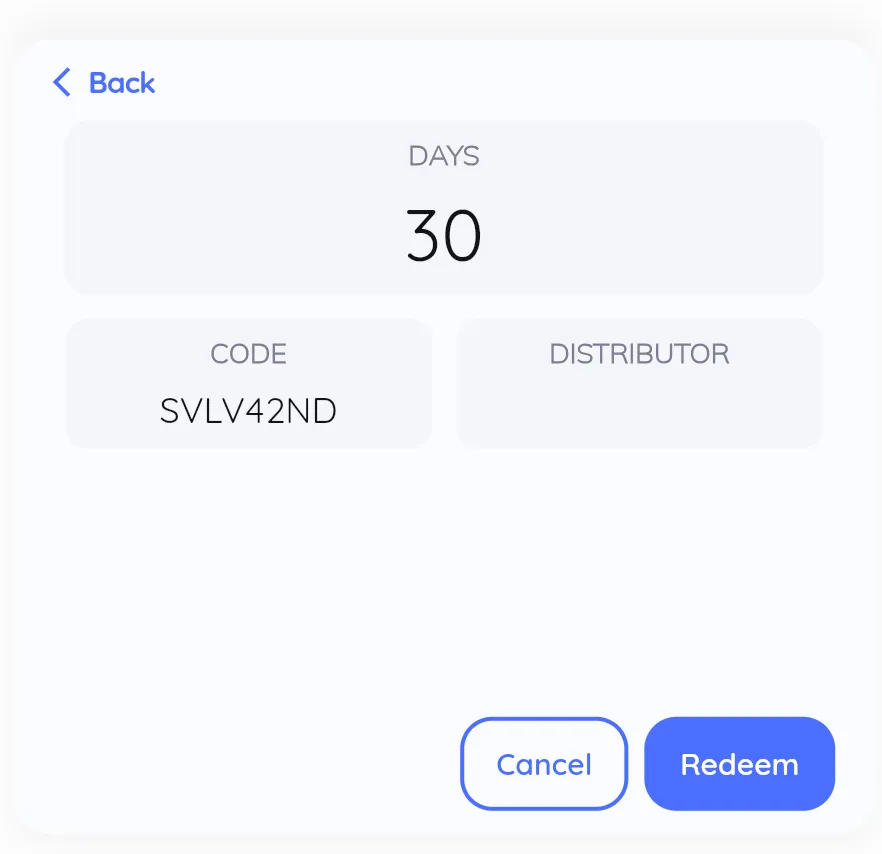
Section titled “From the email link”If you’re already logged in, clicking the link in your voucher email takes you straight to the redemption screen. Jolly Classroom detects the code and shows its details. Click Redeem to apply it to your school.
From the Subscription page
Section titled “From the Subscription page”You can also redeem a code at any time:
- Open Subscription from the sidebar.
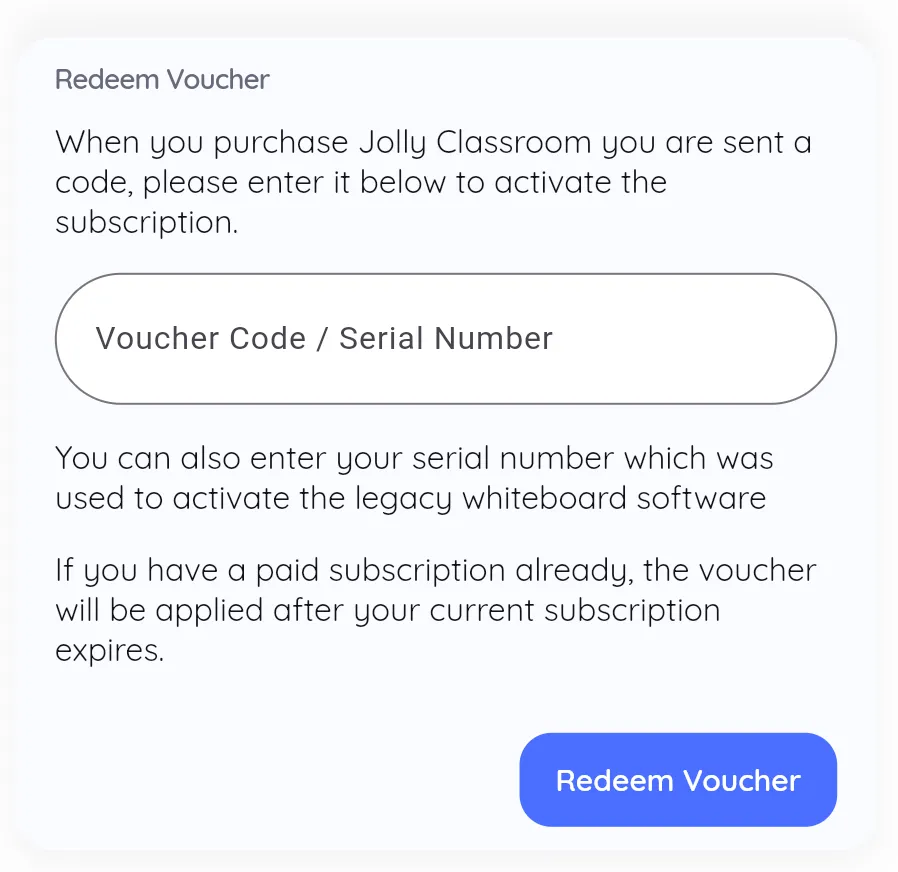
- Find the Redeem Voucher card.
- Enter your voucher code or serial number, then click Redeem Voucher.
Jolly Classroom validates the code and shows its details, including how long it lasts and which distributor issued it. Click Redeem to confirm.
Once confirmed, your subscription is active.