
Accepting a School Invitation
Once a manager has invited a teacher, they can join the school in one of two ways, depending on whether they already have an account.
New account
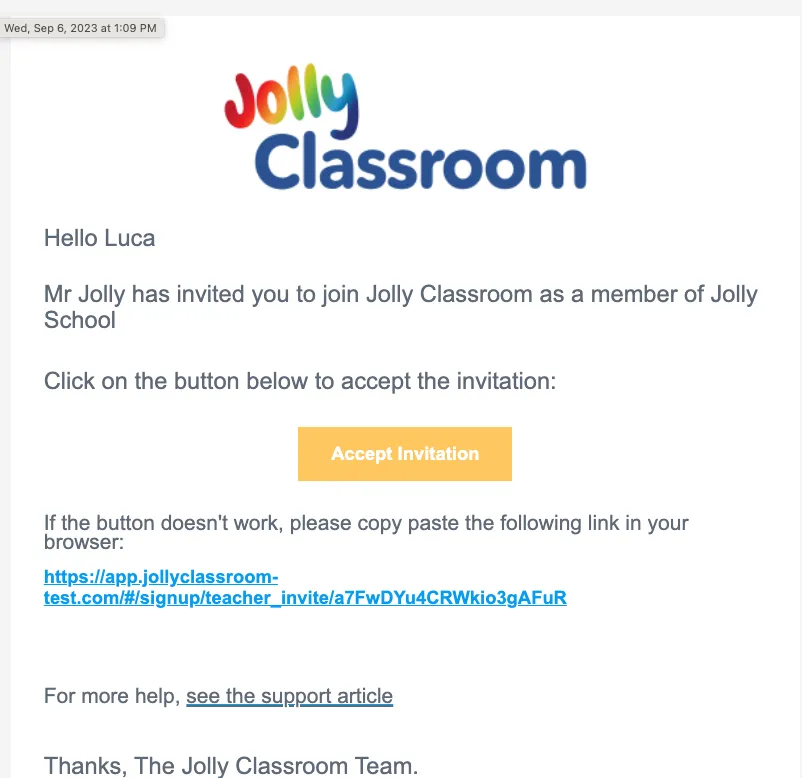
Section titled “New account”The teacher receives an email inviting them to the school. They click Accept Invitation (or the link below it).
The link opens the register screen with their name, surname, and email already filled in from the invitation.
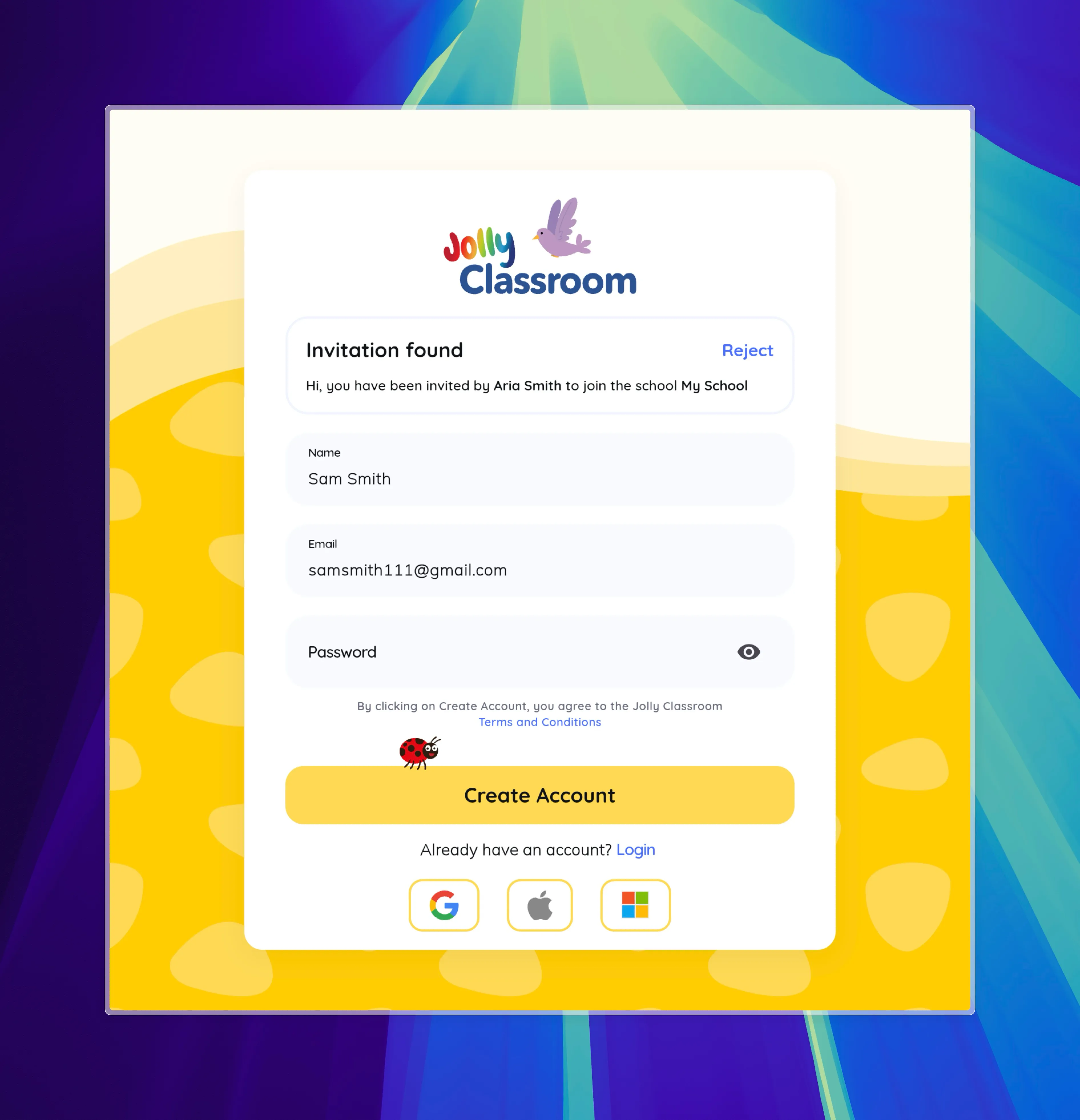
They set a password and click Create Account.

Their account is ready and they’re added to the school straight away.
Existing account
Section titled “Existing account”If the teacher already has an account, invite them using the email they signed up with. The next time they log in, they see a prompt to join the school.
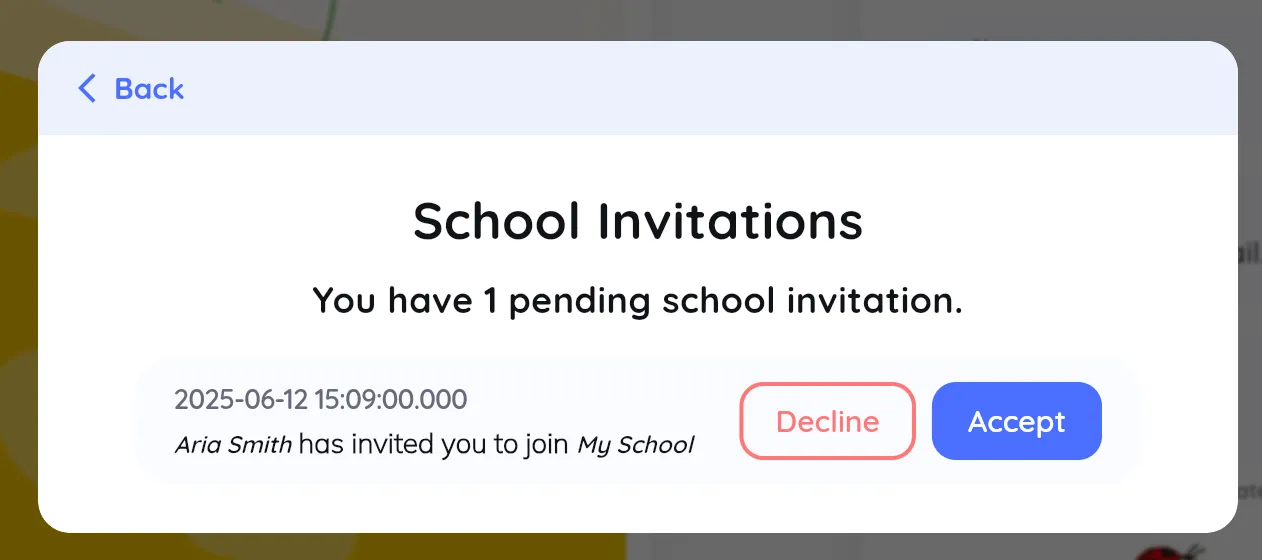
They click Accept to join.