Starting a Lesson
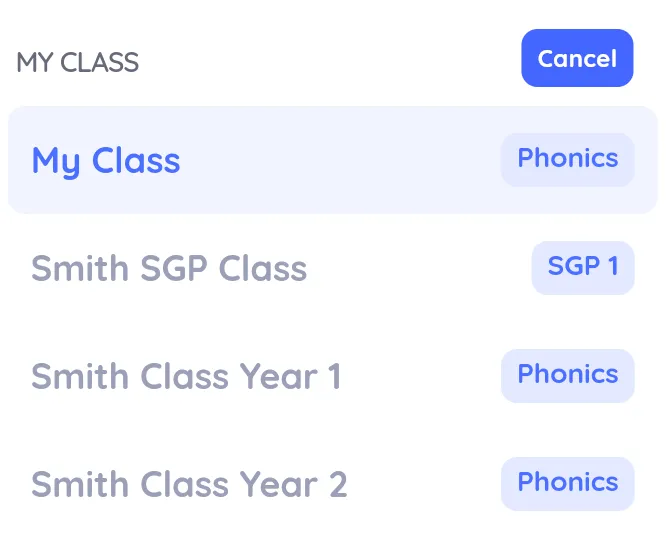
Your current class is shown on the dashboard. If you teach more than one class, switch between them from the Classes list in the sidebar.
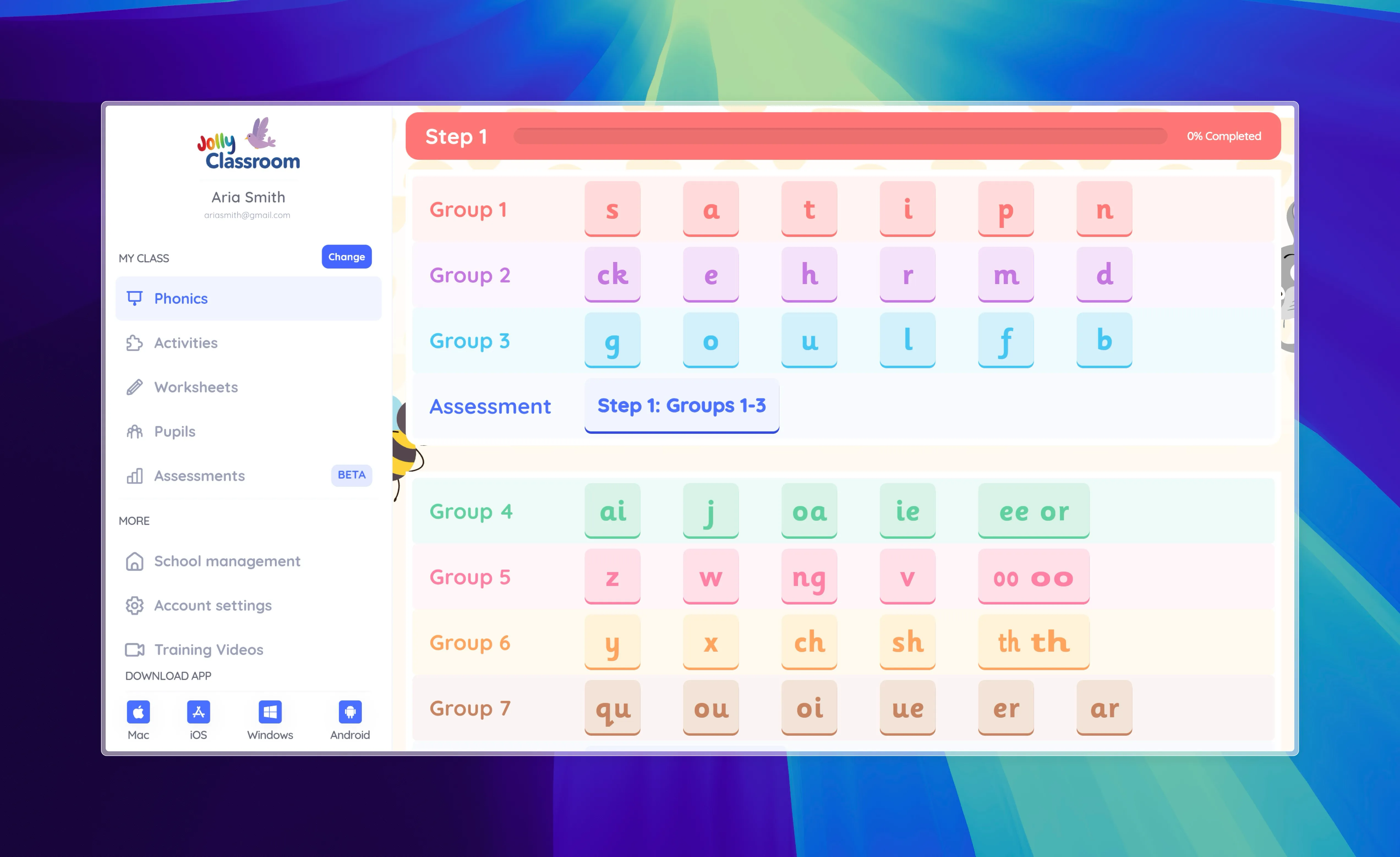
The dashboard shows your lessons as a row of cards, with the next lesson highlighted and the rest lined up after it. Use All Lessons to see the full list for the class.
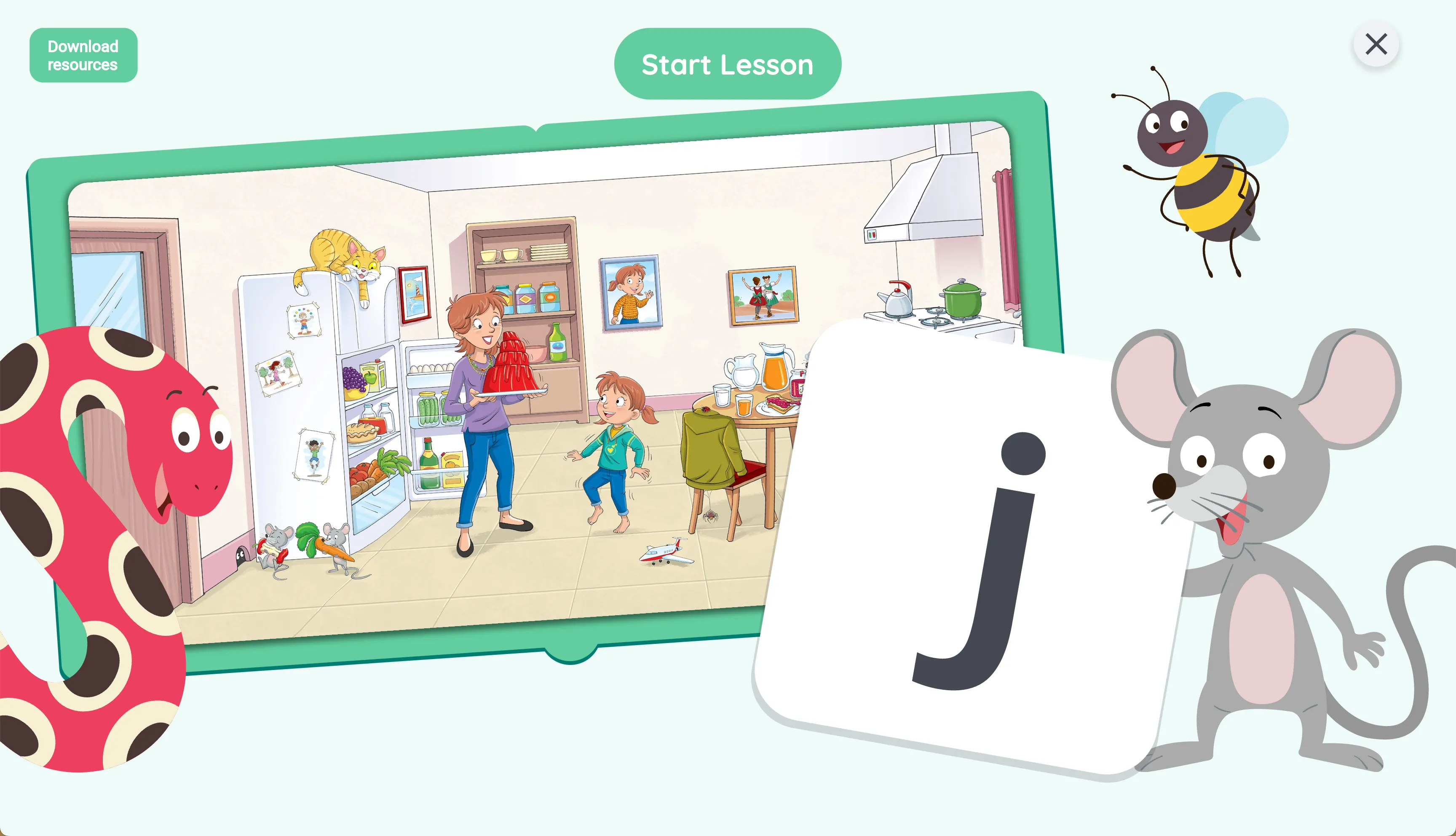
Select a lesson and click Start Lesson to begin. The lesson opens full screen.
Inside a lesson, move through the parts with the toolbar at the top, your keyboard arrows, or a presenter clicker.