
Opening Jolly Classroom
Jolly Classroom is available both online and as a download. The online version is great for trying it out, but we highly recommend installing the app on mobile.
Online Access
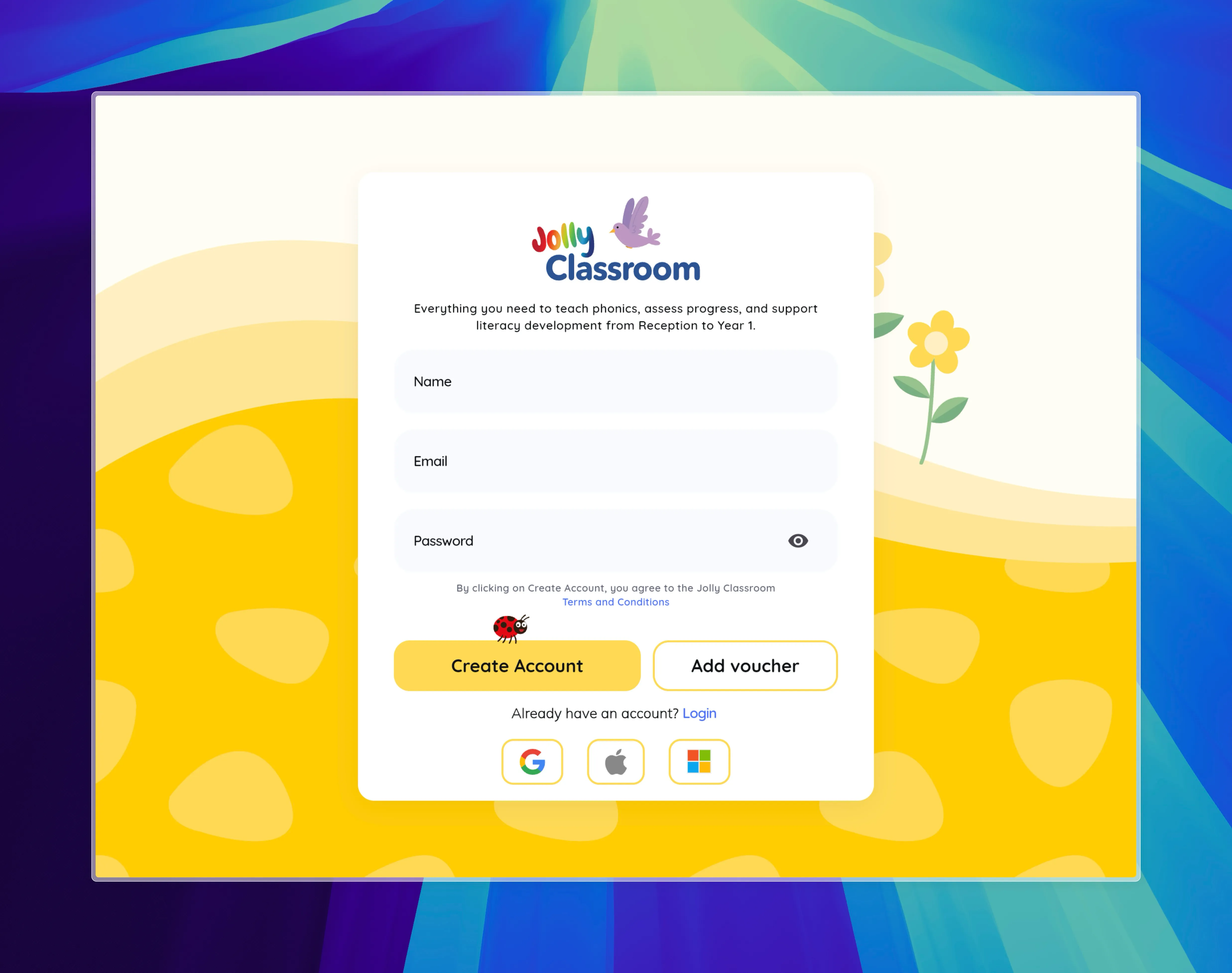
Section titled “Online Access”Navigate to https://app.jollyclassroom.com using your web browser.
From this page you can access Signing Up/Logging In
Download & Install Guide
Section titled “Download & Install Guide”-
Download the app
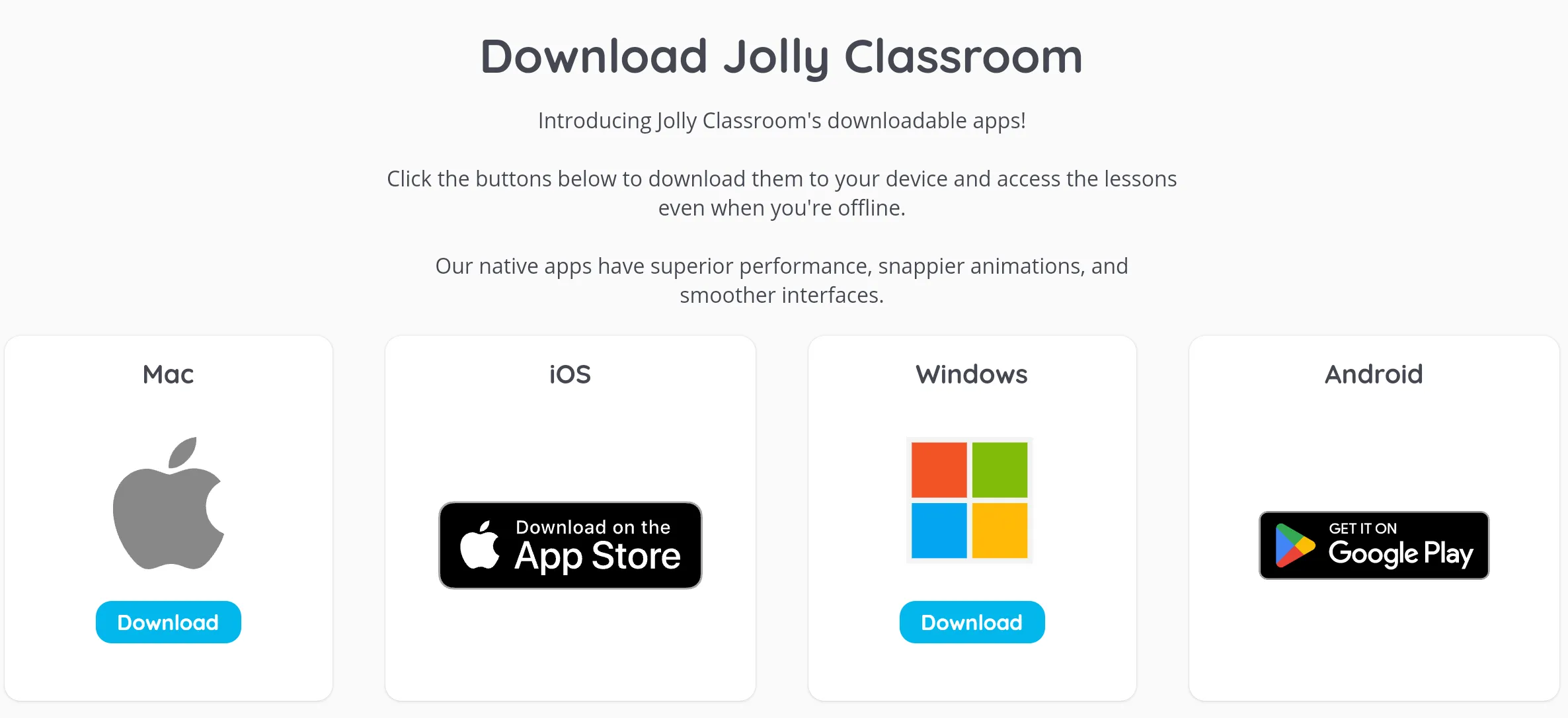
Navigate to the app and choose your platform:
- Windows / Mac → Click the link to download the app directly.
- iOS / Android → Click the link to open the App Store or Google Play.
-
Install the app
- Windows → Double-click the downloaded file and follow the install instructions.
- Mac → Open the
.zipfile, then drag the app into your Applications folder. - iOS / Android → Tap Install in the store.
-
Open the app
- Windows → Use the Start Menu to launch Jolly Classroom.
- Mac → Go to the Applications folder and open Jolly Classroom.
- iOS / Android → Find the app icon on your home screen and tap to open.