
Reset Password
If you’re having trouble logging into your Jolly Classroom account, follow the steps below to reset your password.
-
Visit Jolly Classroom
Go to https://app.jollyclassroom.com/ on your web browser or device.
-
Click “Log In”
On the homepage, click the “Log In” text button.

-
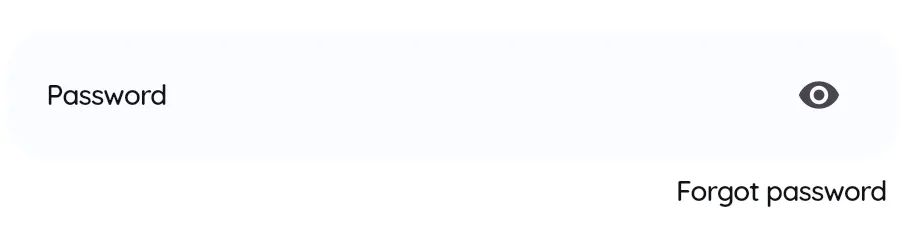
Select “Forgot Password”
Click the “Forgot Password” link below the password input field.
-
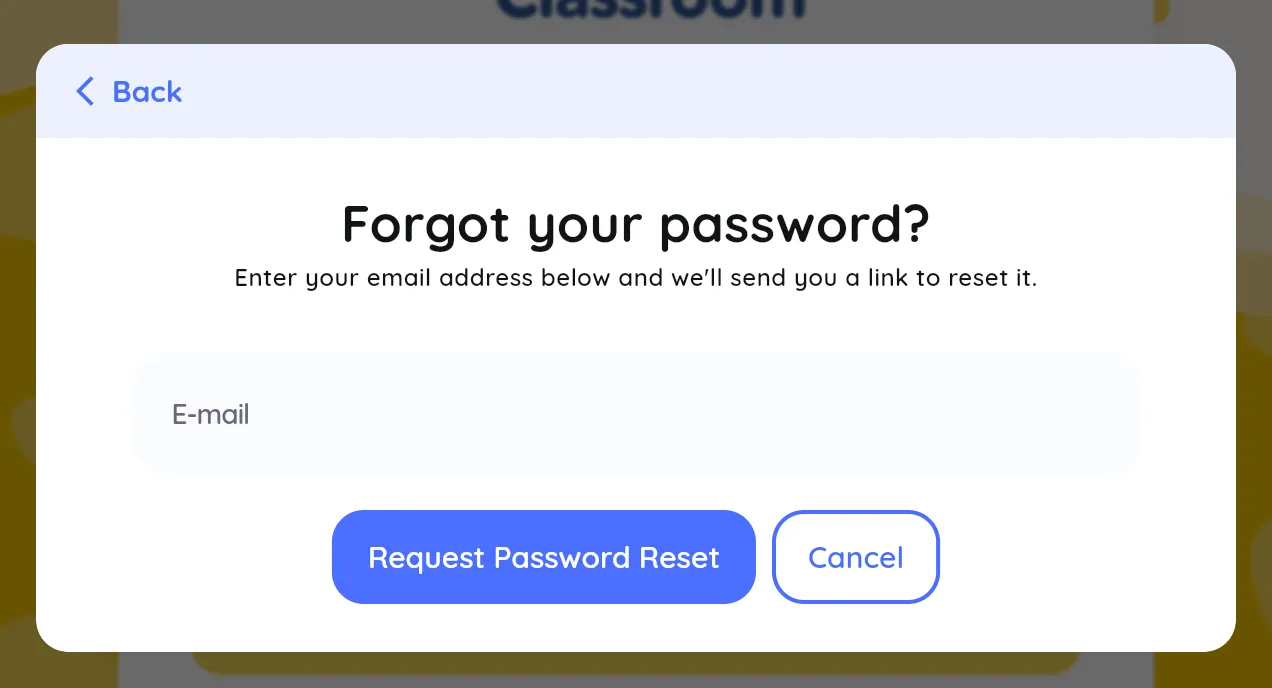
Enter Your Email
Type in the email address linked to your Jolly Classroom account, then click “Request Password Reset.”
-
Check Your Email
You’ll receive an email with a link to reset your password. Follow the instructions in the message to create a new password.
After updating your password, return to https://app.jollyclassroom.com/ and log in with your new credentials.
Still Having Trouble?
Section titled “Still Having Trouble?”If you’re still having issues logging in, send an email to support@jollyclassroom.com from the same email address used for your account. Our team will assist you, including manually resetting your credentials if necessary.