
Starting an Assessment
Starting an Assessment
Section titled “Starting an Assessment”-
Select Assessment Type
-
Click “Start Assessment” from the dashboard

-
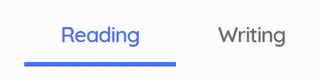
Choose Reading, Writing, or Screening using the tab bar
-
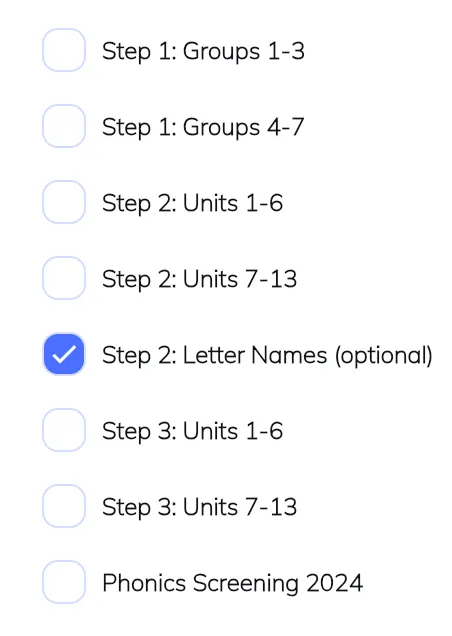
Select the specific assessment from the available options
-
-
Configure Assessment Settings
-
Select Assessment Parts: Choose which sections to include

-
Download Materials (if available): Get printable assessment sheets

-
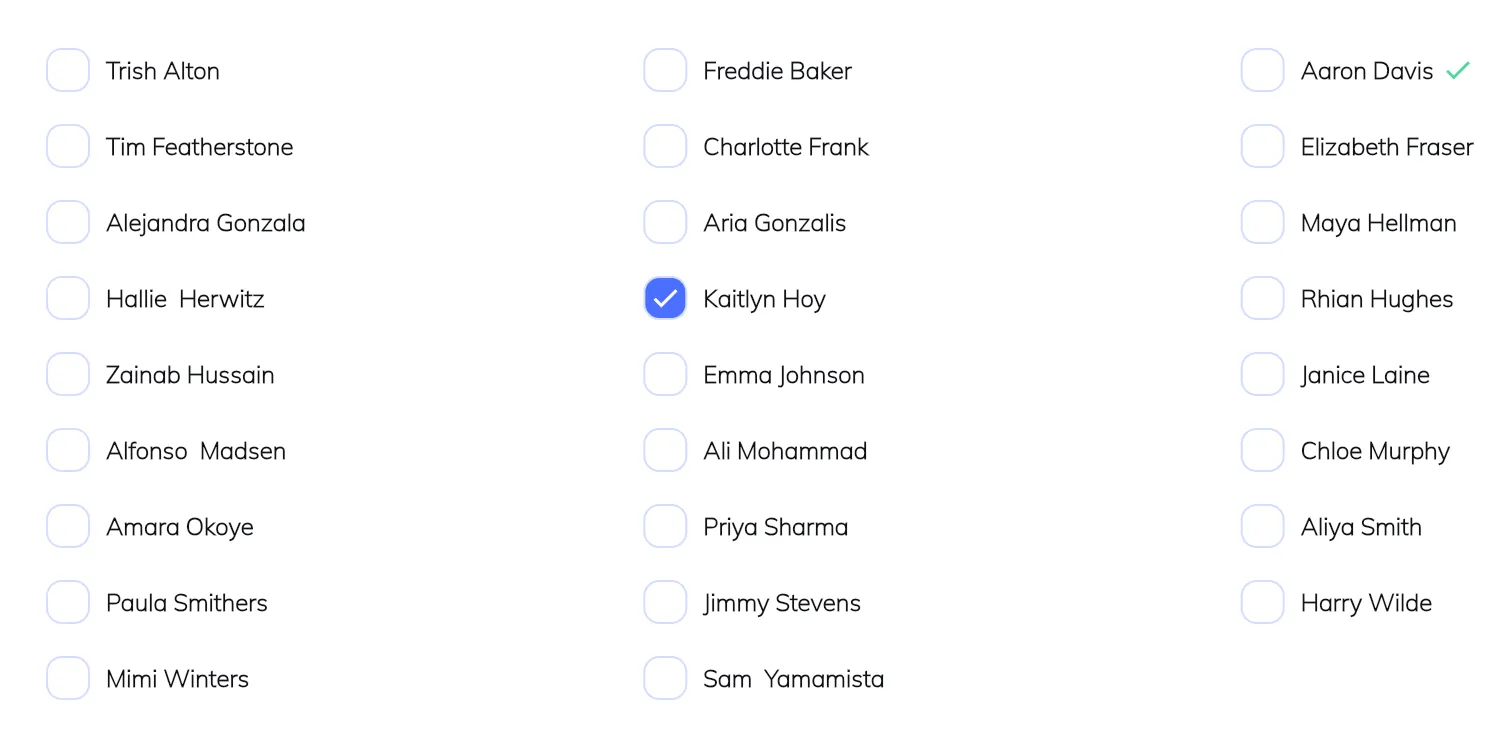
Choose Pupil: Select the student to assess
-
-
Begin Assessment
-
For Reading Assessments: Click “Start Assessment”
-
For Writing Assessments: Click “Input Results” to begin entering student results
-
Teacher Questions (Writing only): Click to preview assessment content
-