
Renewing a Subscription
How you renew depends on how you first bought Jolly Classroom.
Voucher or distributor purchase
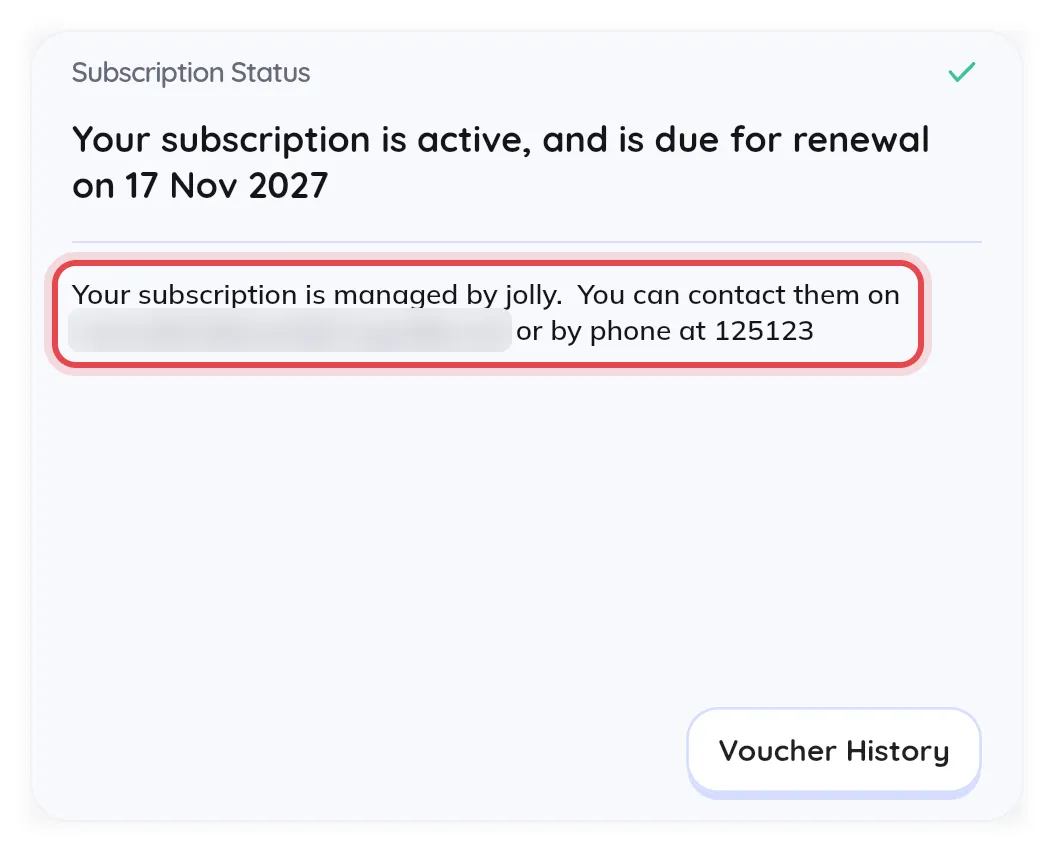
Section titled “Voucher or distributor purchase”Contact your distributor for a new voucher. Their contact details are on the Subscription page, in the Subscription Status card.
Then redeem the voucher. See Redeeming a Voucher.
You can redeem a new voucher even while your current subscription is still active. It applies automatically once the current one expires.
Card purchase
Section titled “Card purchase”Card subscriptions renew automatically as long as the payment method is still valid.
To update your payment method, click your name at the top of the sidebar, choose Subscription, then click Subscription Details. This opens the Stripe billing portal, where you can update your card, view invoices, and manage the subscription.