Signing Up/Logging In
After Opening Jolly Classroom, create an account or log in.
Choose how to sign in
Section titled “Choose how to sign in”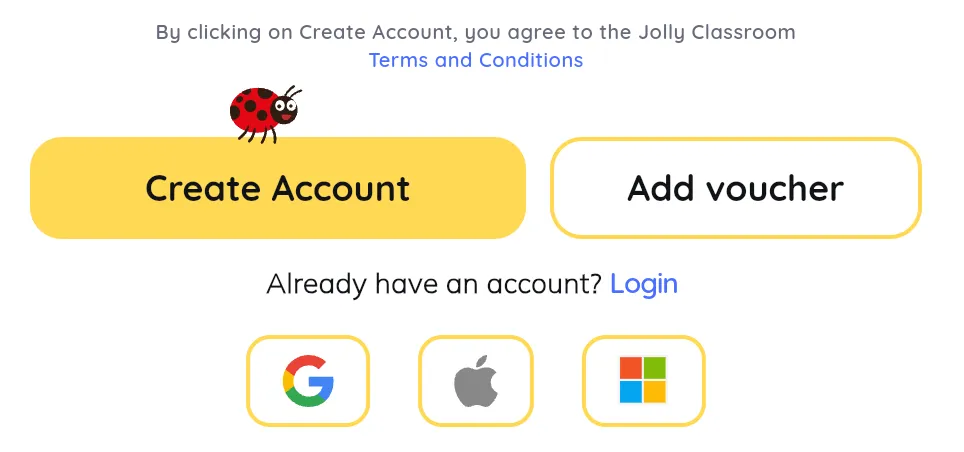
You can use email and password, or continue with Google, Microsoft, or Apple.
Sign up
Section titled “Sign up”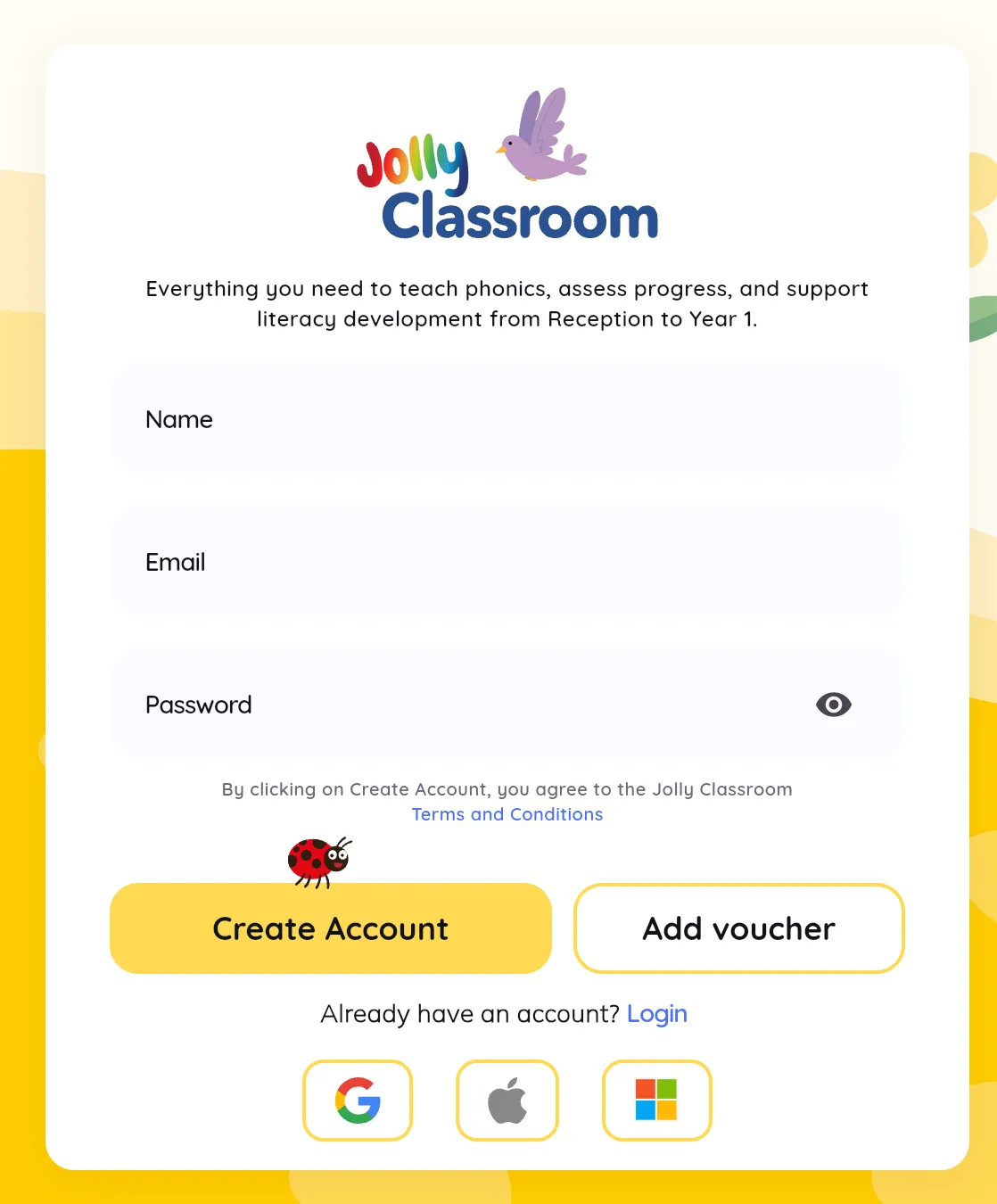
On the Register tab, enter your name, surname, email, and a password (at least 8 characters, with one number and one special character). Or sign up with Google, Microsoft, or Apple.
If you have a voucher code, click Add Voucher and enter it. It’s applied once your account is created. See Redeeming a Voucher for more.
Log in
Section titled “Log in”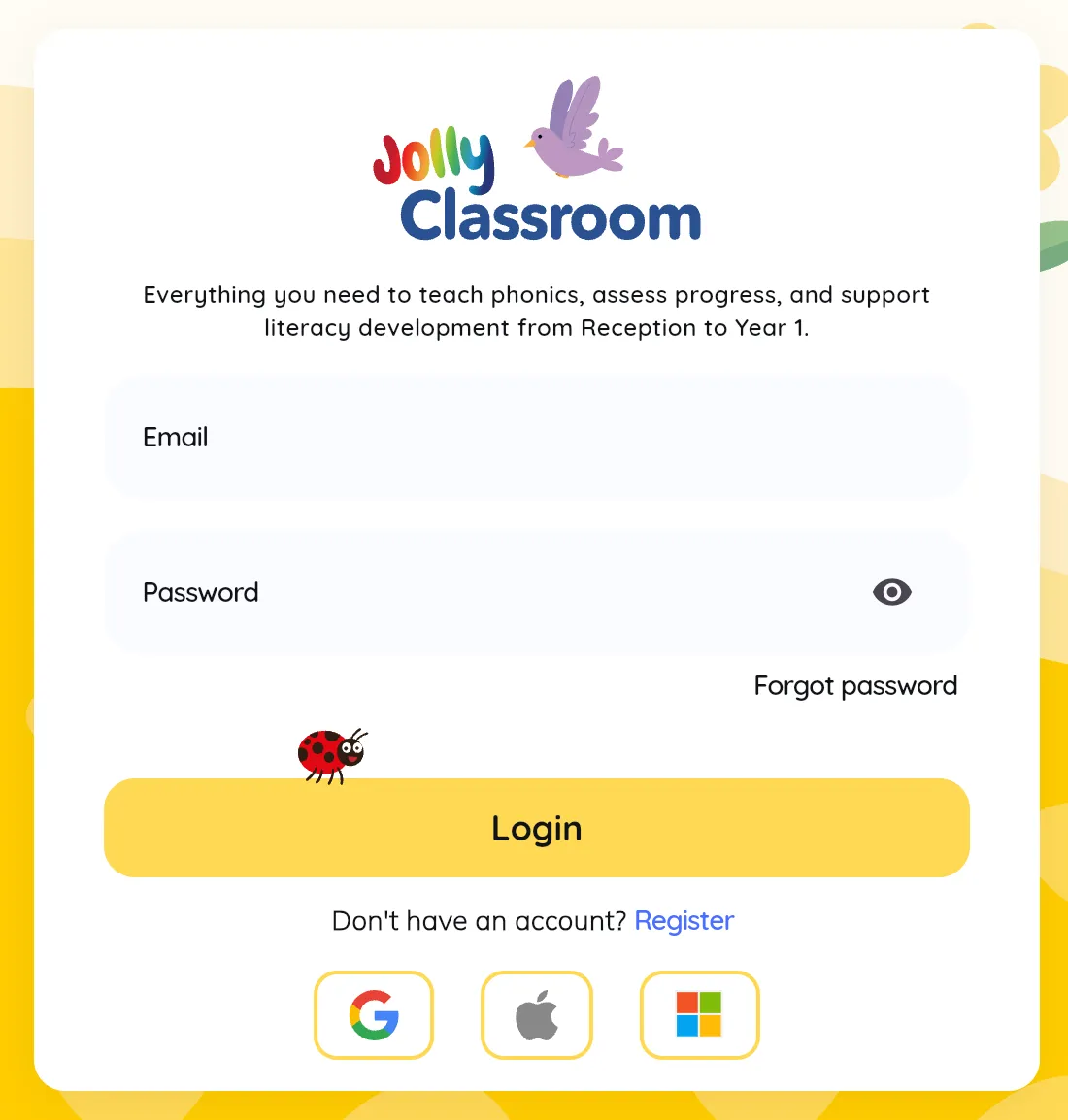
On the Login tab, enter the email and password you signed up with. If you signed up with Google, Microsoft, or Apple, use that same option to log in.
Finishing your account
Section titled “Finishing your account”The first time you sign up, Jolly Classroom asks a few quick questions before you reach the dashboard:
- Verify your email. We send a verification link to your email. Click it and Jolly Classroom unlocks the next step automatically. You can resend the email or change your address if needed.
- Your role, and a few school details (name, postcode, and country).
- Who manages Jolly Classroom. Leadership roles can name a Jolly Champion, the person who sets up the school and adds pupils. A champion is simply a manager, and this is optional.
- How you heard about us.
When you’re done, you land on the dashboard, where the getting-started hub helps you finish setting up your school.
Forgot your password?
Section titled “Forgot your password?”See Reset Password.