
Launching an Individual Activity
You can jump straight into any single activity without running a full lesson.
In the Quick Actions panel, click Activities.
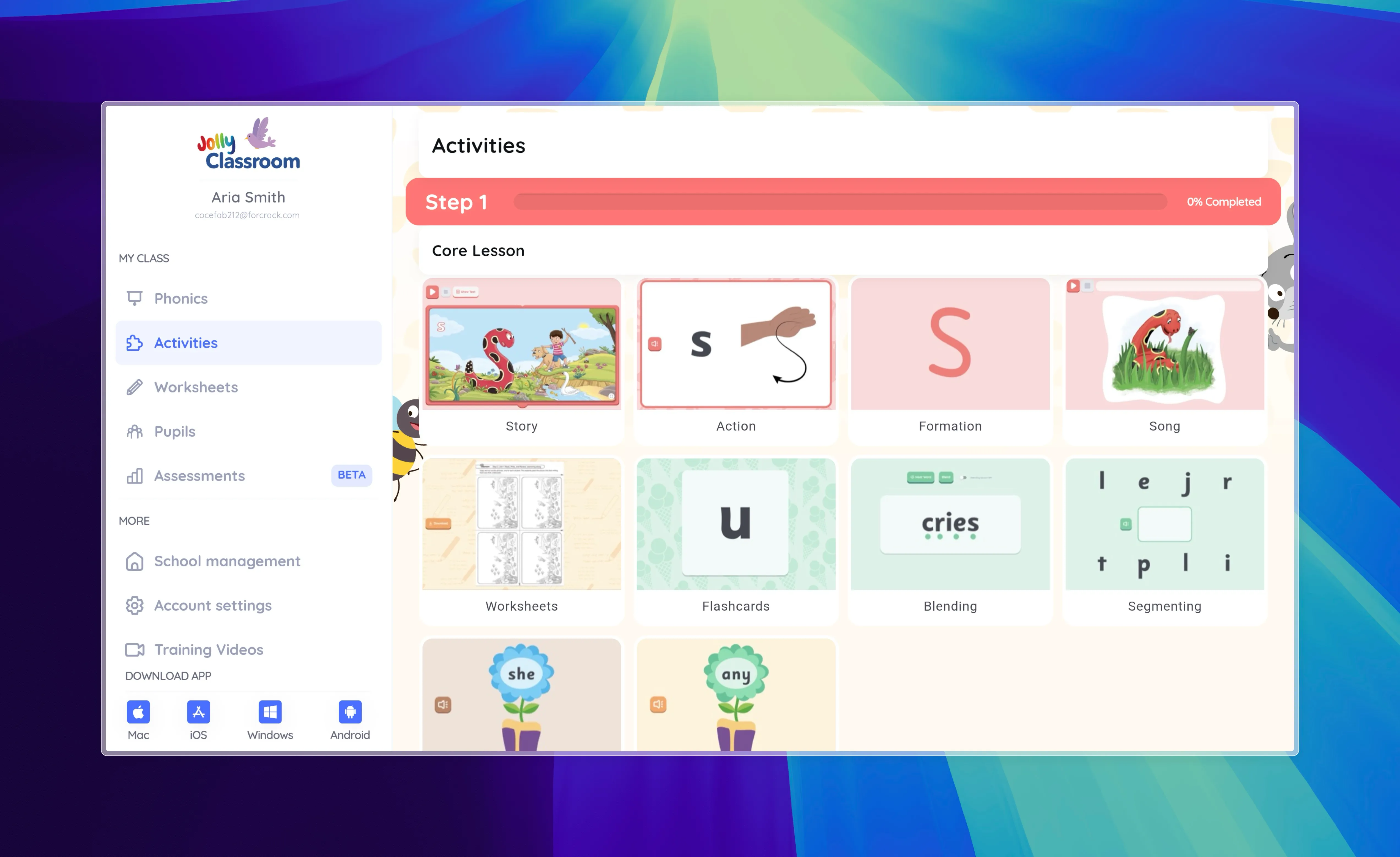
Activities are grouped by Step, with the Core Lesson parts (Story, Action, Formation, Song, Flashcards, Blending, Segmenting, and more) followed by the standalone Activities (such as Odd One Out, Listen and Write, and Match Words to Picture).
Click any activity to launch it.
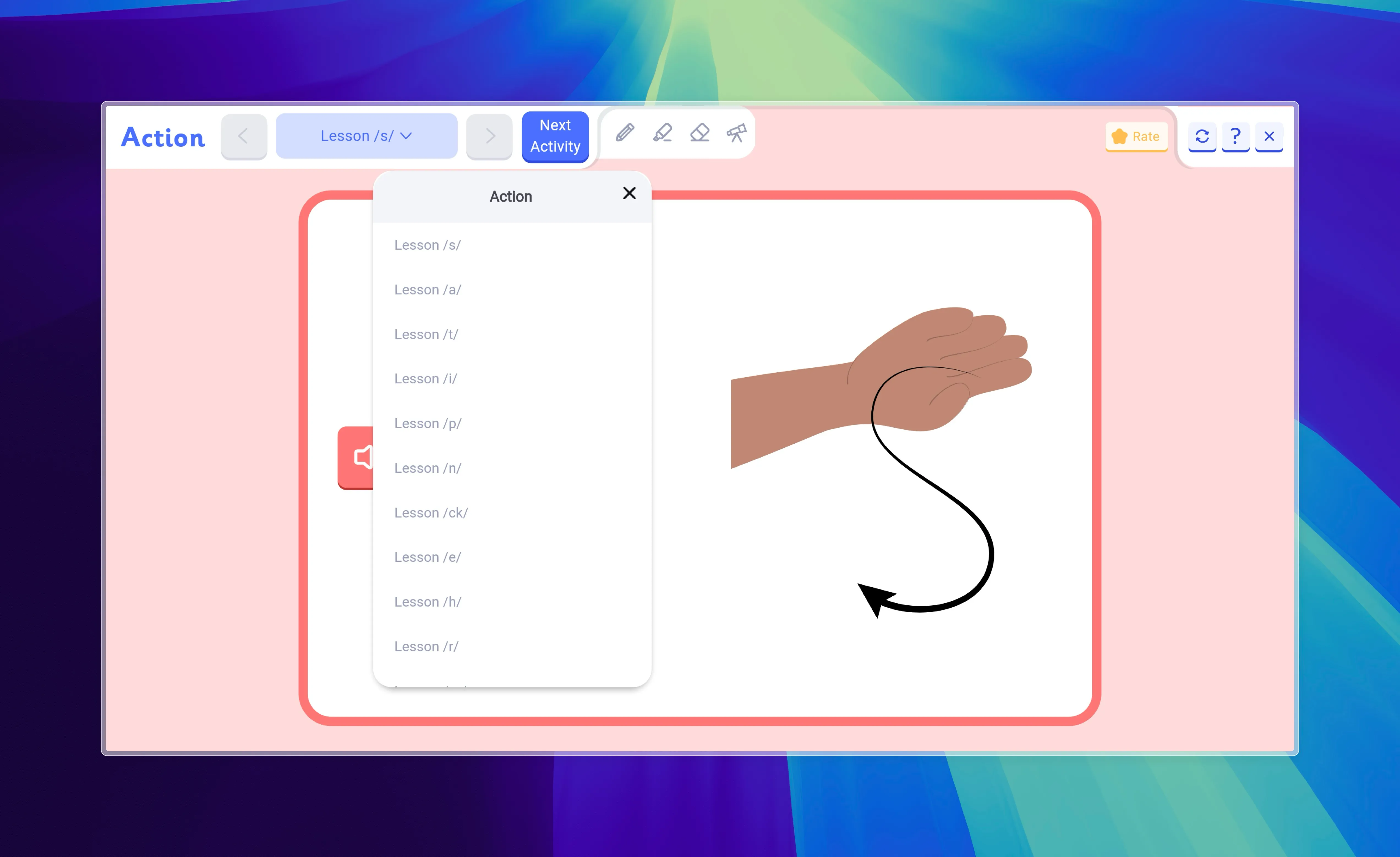
Once you’re in an activity, use the toolbar at the top to move between parts, or switch to a different activity.